Programming technique
Conditional loops
A conditional loop repeats while a Boolean condition remains true. It is useful when the number of repetitions is not known in advance.
Pre-condition loop: while
A while loop checks its condition before each repetition. It may execute zero times.
The loop exits only after the user enters a value that satisfies the condition.
Post-condition loop: do while
A do while loop executes the body once before testing the condition, so it always runs at least once.
Post-condition behaviour with while True
Python has no dedicated do while statement. Use while True when the body must run before the exit test, then use break when the accepted condition is reached.
Design the exit condition first
Before writing the loop, state exactly what must become true or false for repetition to stop. Then ensure something inside the loop can change that condition.
Unknown repetitions
Use a conditional loop when input, a score or another changing condition decides when to stop.
Update the condition
If nothing can change the loop condition, the program may repeat forever.
Use AND and OR carefully
Write test values that make each part of && and || conditions true and false.
Use and / or carefully
Write test values that make each part of combined and and or conditions true and false.
Challenges Choose one
Choose a challenge that feels appropriate for you. Code heat is only a rough estimate, not a fixed level.
Guess the Number
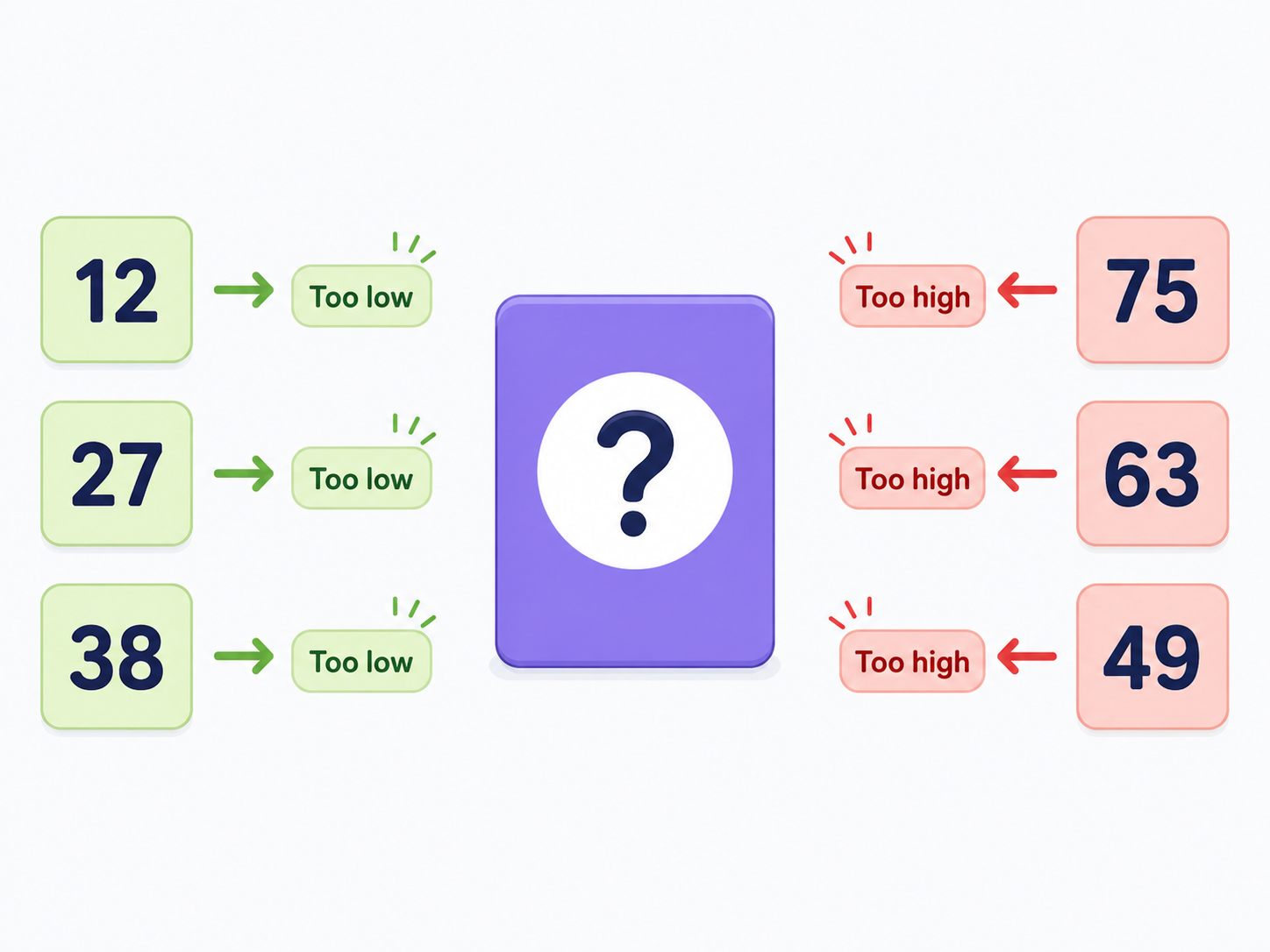
SelectedGenerate a random number from 1 to 100. Keep asking the player to guess until the number is correct. After each incorrect guess, say whether it was too high or too low. Report the number of guesses at the end.
Gamertag Validator
SelectedKeep asking for a gamertag until it is valid. It must contain between 4 and 15 characters, contain no spaces and begin with a letter. Explain every failed rule before asking again.
Rock Paper Scissors
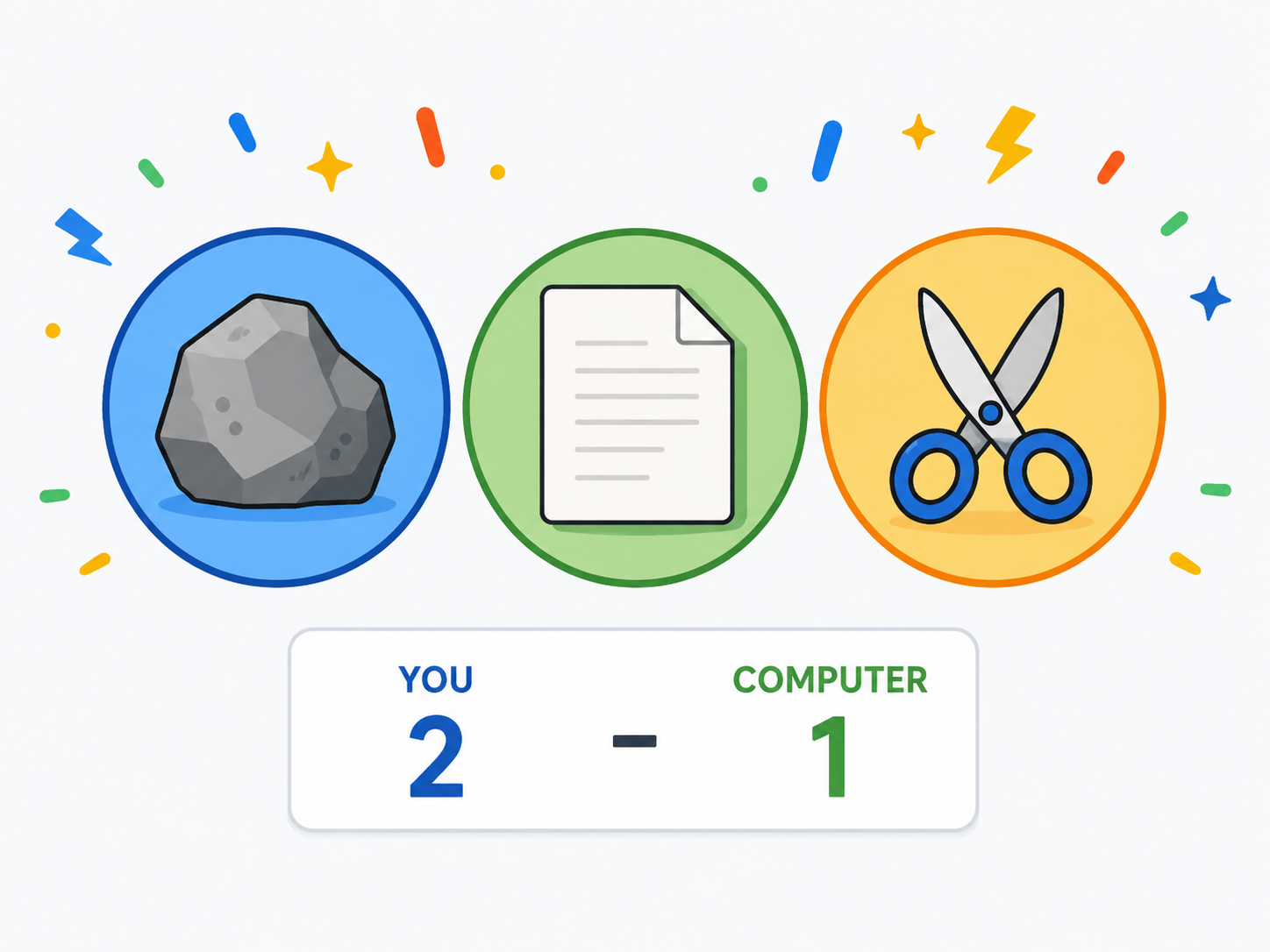
SelectedCreate a game of rock, paper, scissors against the computer. Validate the player's choice, keep a score for both sides and repeat rounds until one player reaches 10 points. Output the winner of each round and the final match winner.
Selected challenge
This choice is shared with the portfolio setup page.
Create your challenge folder
Run this command before starting. It creates the correct empty folder inside your portfolio.
Complete the challenge
Write and test your own solution in the folder created above.
Optional scaffolded support
Use only as much support as you need. The templates organise the program but leave the important algorithm unfinished.
Submit for review
Run this when your program is complete. It creates the README, commits the folder and pushes it.