Programming technique
Variables and input
Variables give names to values so that a program can store, change and reuse data. Input allows a user to supply those values while the program is running.
Choose an appropriate data type
| Java type | Stores | Example |
|---|---|---|
int | Whole numbers | 42 |
double | Decimal numbers | 3.75 |
String | Text | "Lina" |
char | One character | 'A' |
boolean | true or false | true |
| Python type | Stores | Example |
|---|---|---|
int | Whole numbers | 42 |
float | Decimal numbers | 3.75 |
str | Text | "Lina" |
str | One character when its length is 1 | "A" |
bool | True or False | True |
Read input with Scanner
Create one Scanner and reuse it. Use nextLine() for a complete line of text, nextInt() for an integer and nextDouble() for a decimal.
Read and convert input
input() always returns a string. Wrap it with int() for a whole number or float() for a decimal when the program needs numeric data.
nextInt() or nextDouble(), the newline may still be waiting. Call nextLine() once before reading the next full line of text.
input() returns text even when the user types digits. Convert before doing arithmetic, and be ready to handle text that cannot be converted.
Trace variable values
When tracing, record each variable after every statement that changes it. Do not record what you expect the variable to become later.
| Statement | length | width | height | volume |
|---|---|---|---|---|
double length = 40; | 40 | — | — | — |
double width = 25; | 40 | 25 | — | — |
double height = 30; | 40 | 25 | 30 | — |
double volume = length * width * height; | 40 | 25 | 30 | 30000 |
| Statement | length | width | height | volume |
|---|---|---|---|---|
length = 40.0 | 40.0 | — | — | — |
width = 25.0 | 40.0 | 25.0 | — | — |
height = 30.0 | 40.0 | 25.0 | 30.0 | — |
volume = length * width * height | 40.0 | 25.0 | 30.0 | 30000.0 |
Declare before use
A variable must have a type and name before the program can use it.
Assign before use
A Python variable is created when a value is assigned, but it still must exist before it is read.
Use meaningful names
tankVolume or tank_volume communicates more than x.
Integer division
5 / 9 is integer division and produces 0. Use 5.0 / 9.0 when a decimal answer is required.
Division operators
5 / 9 produces a decimal result. Use // only when floor division is intentionally required.
Challenges Choose one
Choose a challenge that feels appropriate for you. Code heat is only a rough estimate, not a fixed level.
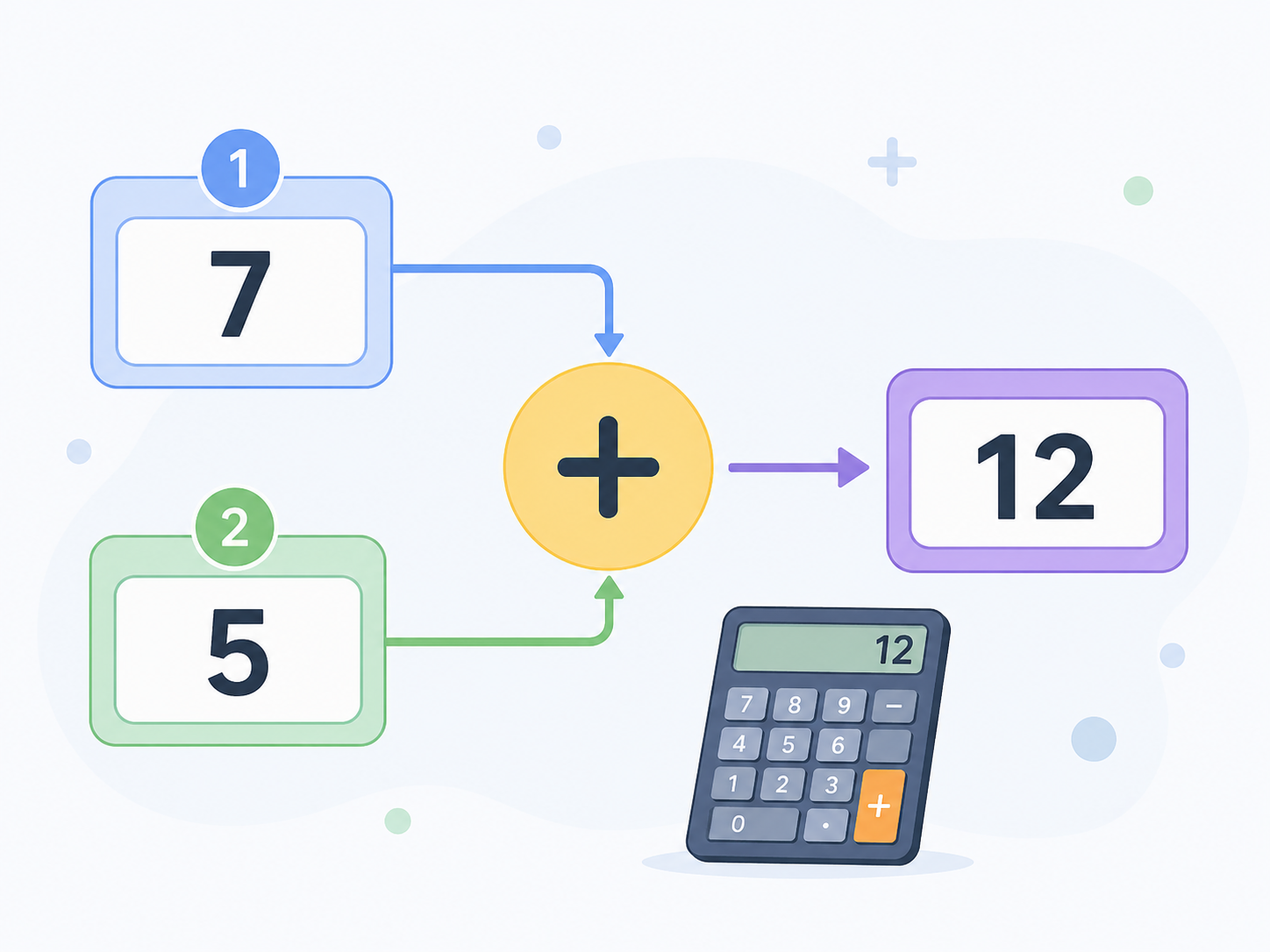
Simple Adder
SelectedAsk the user for two whole numbers. Output both numbers and their total in a complete sentence.
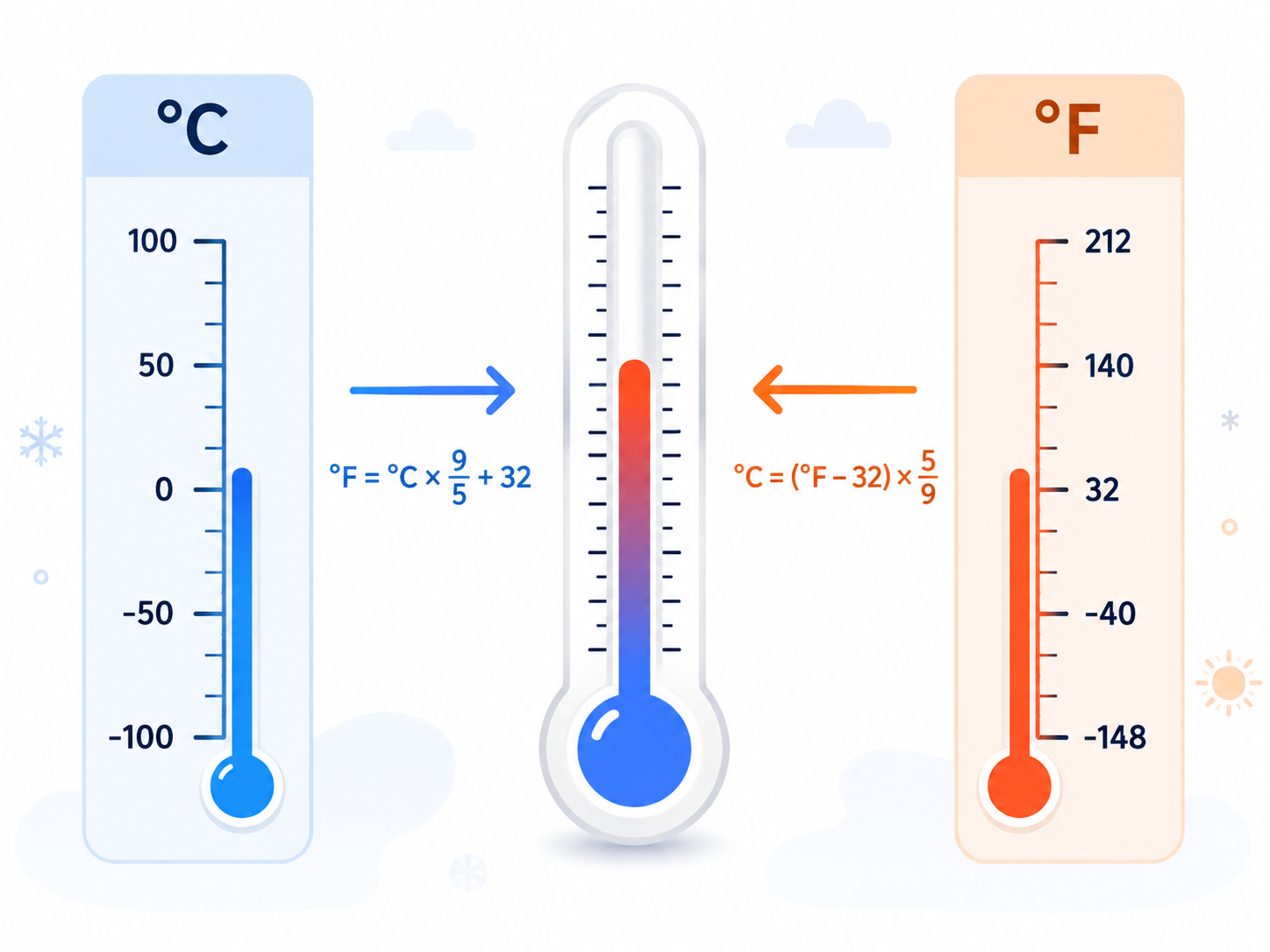
Temperature Converter
SelectedAsk the user for a temperature in degrees Fahrenheit and display the equivalent temperature in degrees Celsius. Use Celsius = (Fahrenheit - 32) * 5.0 / 9.0. Test a value below freezing, freezing point and a warm value.
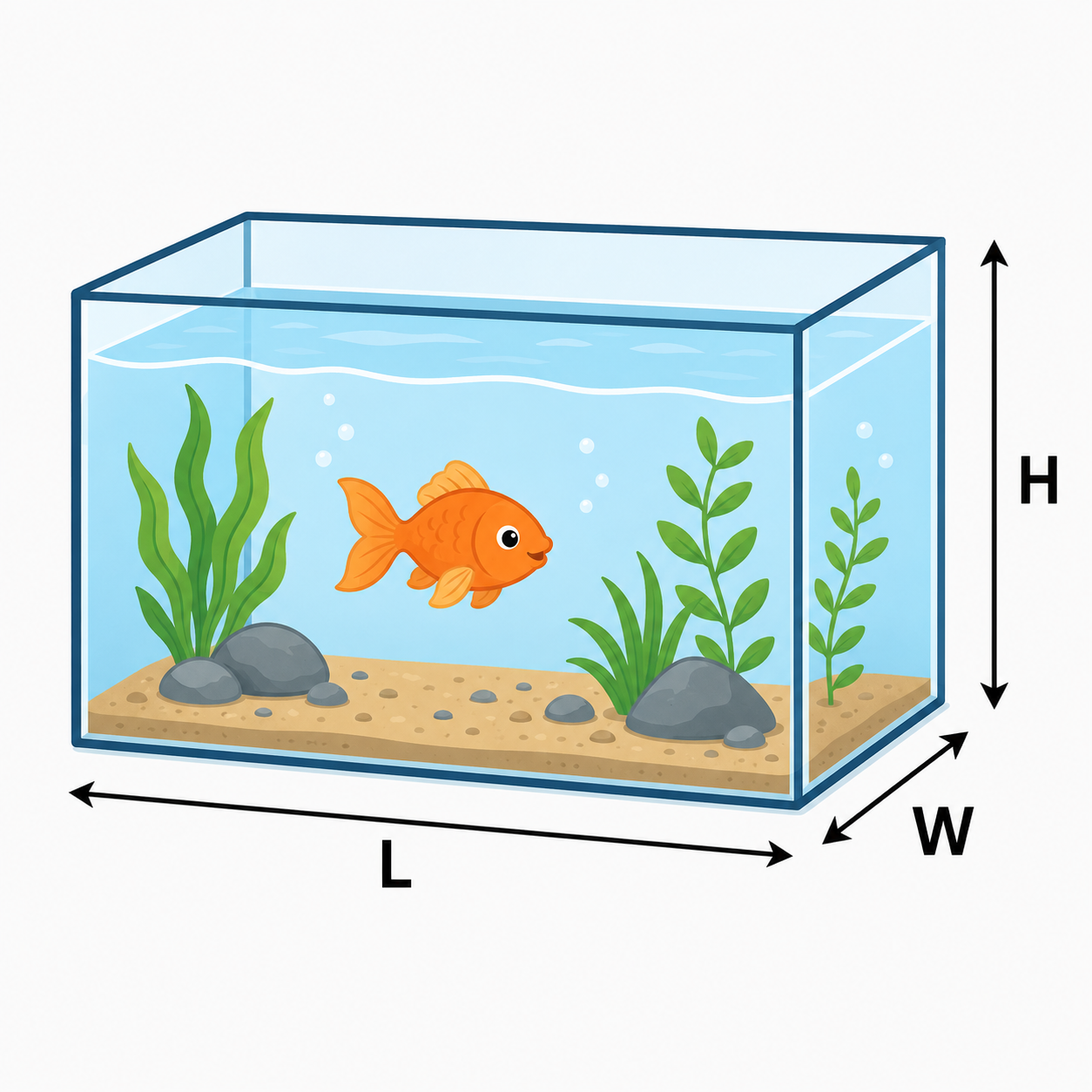
Fish Tank Volume
SelectedAsk the user for the length, depth and height of a fish tank in centimetres. Calculate the volume in litres by multiplying the three dimensions and dividing by 1000. Also display the approximate volume in UK gallons using 1 UK gallon = 4.54609 litres.
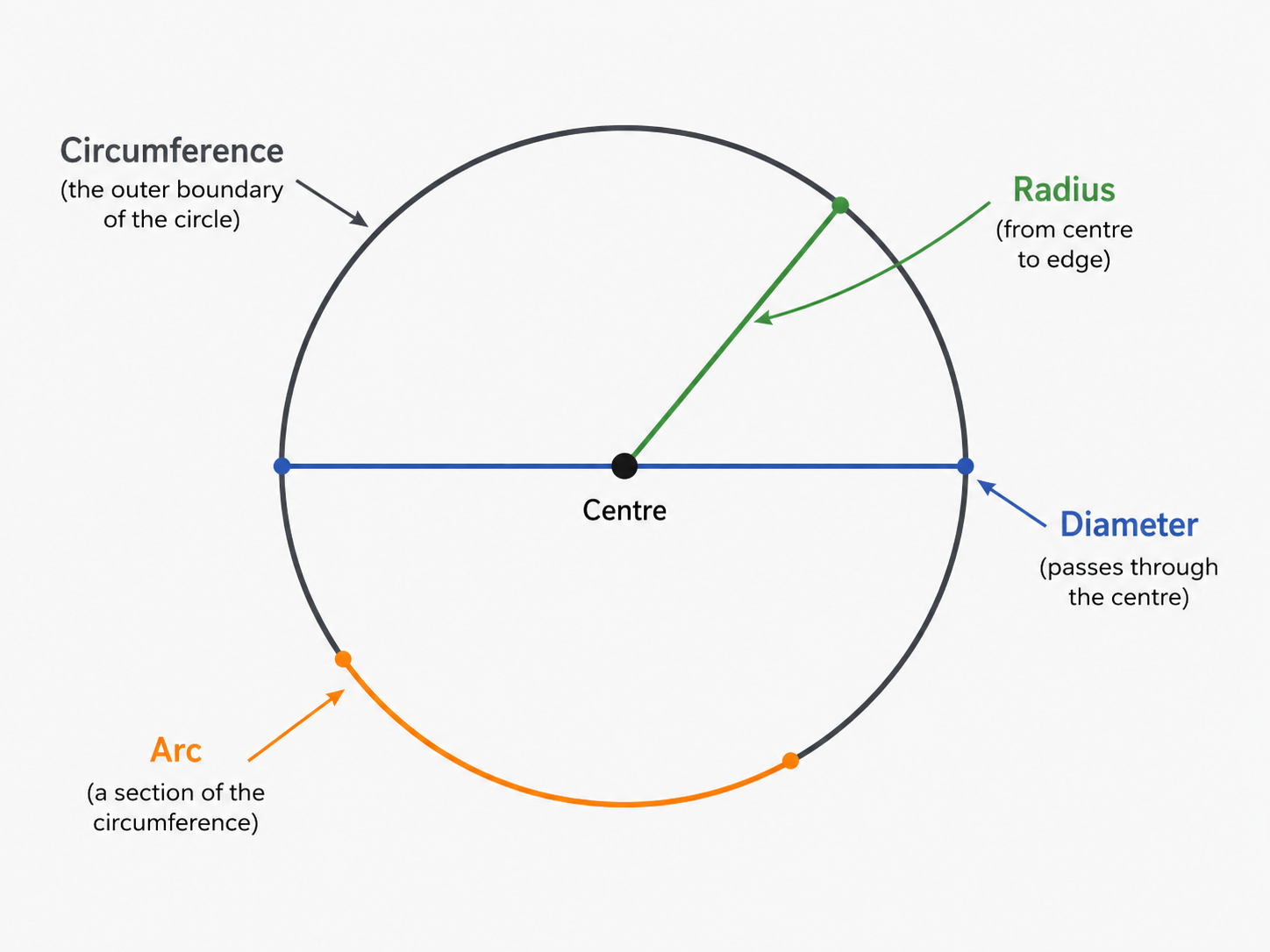
Circle Properties
SelectedAsk the user for the diameter of a circle and an arc angle. Output the radius, area, circumference and arc length. Use Math.PI and show clearly which input and calculated value each line represents.
Selected challenge
This choice is shared with the portfolio setup page.
Create your challenge folder
Run this command before starting. It creates the correct empty folder inside your portfolio.
Complete the challenge
Write and test your own solution in the folder created above.
Optional scaffolded support
Use only as much support as you need. The templates organise the program but leave the important algorithm unfinished.
Submit for review
Run this when your program is complete. It creates the README, commits the folder and pushes it.