Programming technique
Methods and modularisation
Functions and modularisation
Methods divide a program into reusable blocks with clear responsibilities. They can receive data through parameters and return a result to the caller.
Functions divide a program into reusable blocks with clear responsibilities. They can receive data through parameters and return a result to the caller.
Returning a result
The declared return type must match the value returned. A method that returns double must provide a decimal-compatible result on every possible path.
Python does not declare a return type in this example, but the caller still depends on the returned value having the expected meaning and usable type. Every relevant path should return a suitable result.
The parameter belongs to the called block while it runs. The returned value is then stored by the caller.
Parameters
Parameters are local variables that receive values from the method call.
Parameters are local names that receive values from the function call.
Void methods
A void method performs an action but does not return a value.
Functions used for actions
A function without an explicit return can perform an action such as displaying a menu. It returns None automatically.
Scope
A local variable exists only inside the method or block where it is declared. Avoid unnecessary global state; pass required values into a method and return the result whenever practical.
A local variable normally exists only inside the function where it is assigned. Avoid unnecessary global state; pass required values into a function and return the result whenever practical.
One clear responsibility
A name should describe one job, such as calculate_fare or is_valid_choice.
Call the method
Defining a method does not execute it. The program must call it from another method.
Call the function
Defining a function does not execute it. The program must call it from another part of the program.
Do not duplicate logic
Repeated calculations or validation rules are strong candidates for a reusable block.
Challenges Choose one
Choose a challenge that feels appropriate for you. Code heat is only a rough estimate, not a fixed level.
VAT Method
SelectedAsk the user for the price of an item. Write a method that receives the price and returns the VAT amount. Call the method from main and display the original price, VAT and final price.
Conversion Utility
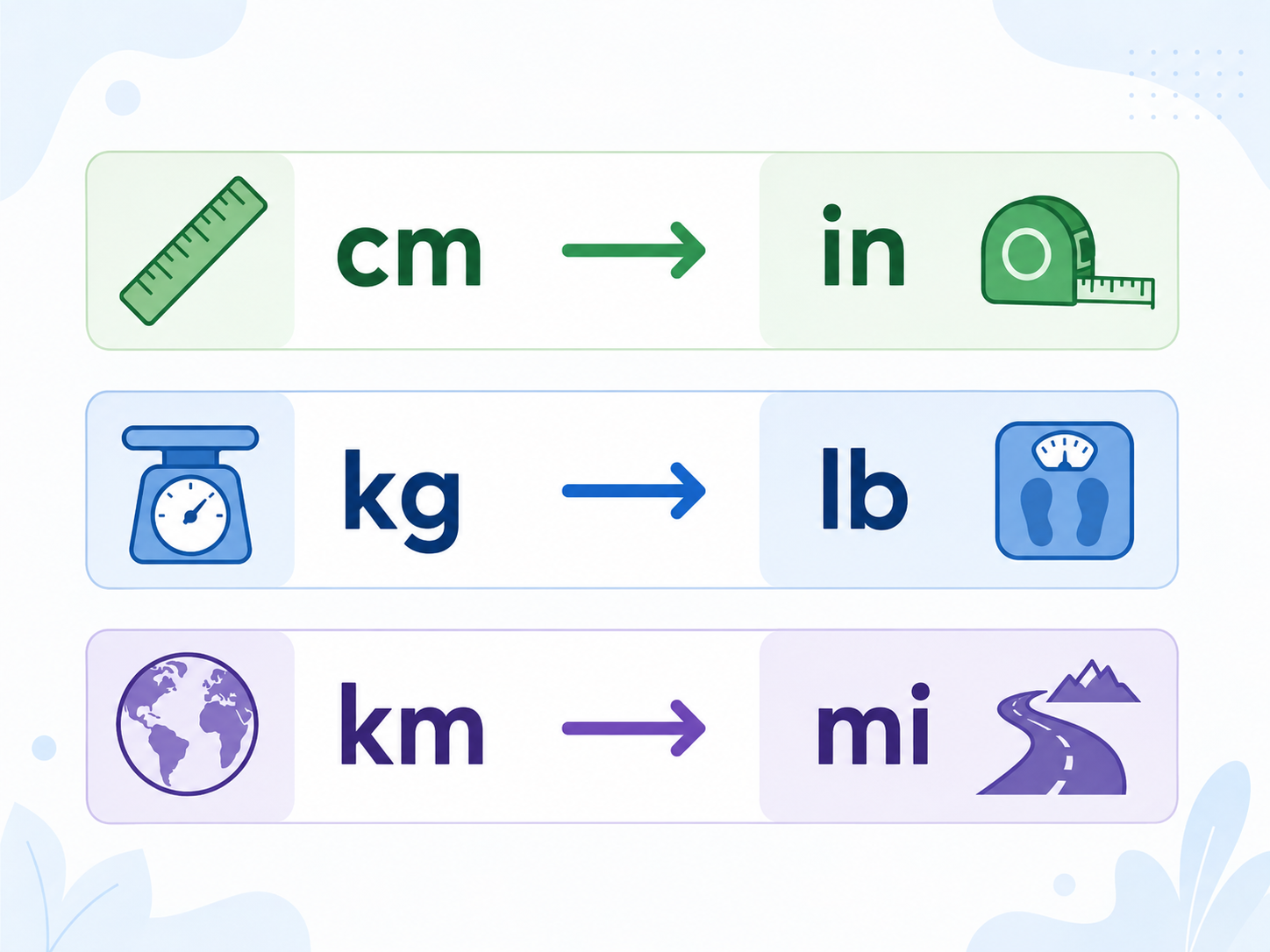
SelectedCreate a menu-driven metric-to-imperial conversion utility. Each conversion must be implemented as a separate method with a clear parameter and return value. Include at least four conversions and keep input/output responsibilities separate from calculations.
Darts
SelectedCreate a darts game starting at 501. A player enters the total from each three-dart throw. A throw is valid when it reaches exactly zero or leaves a score of 2 or more. A throw that leaves 1 or takes the score below zero is a bust and does not change the score. Use methods for at least input validation, applying a throw and displaying the score. Test an ordinary throw, an exact checkout, a throw that leaves 1 and a throw below zero.

Pass the Pigs
SelectedCreate a simplified Pass the Pigs game. Each throw produces one named outcome and score: sider = 1, trotter = 5, double trotter = 20, and pig out = reset the current running score to 0. After a scoring throw, the player may throw again or bank. The goal is to reach 100 banked points. Use separate methods for generating an outcome, calculating its score and running a turn.
Optional extension: add more named outcomes and adjust their probability ranges so the game remains balanced. A two-player version is not required.

Selected challenge
This choice is shared with the portfolio setup page.
Create your challenge folder
Run this command before starting. It creates the correct empty folder inside your portfolio.
Complete the challenge
Write and test your own solution in the folder created above.
Optional scaffolded support
Use only as much support as you need. The templates organise the program but leave the important algorithm unfinished.
Submit for review
Run this when your program is complete. It creates the README, commits the folder and pushes it.